black and white bed linen

Social Assistant

Automate your social media workflow across all platforms effortlessly.

Screenshot of the social media assistant dashboard showing an overview of scheduled posts and engagement metrics.

Gallery

Visual snapshots of our AI assistant in action

Close-up of the smart scheduling calendar highlighting optimal posting times across multiple platforms.
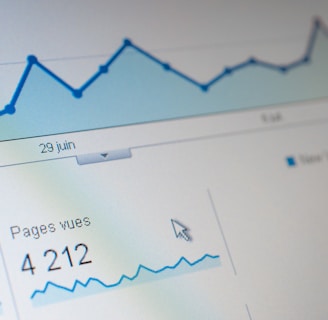
Analytics view displaying engagement trends, reach, and conversion metrics with clear graphs.
Example of an auto-generated social media post with platform-optimized caption and hashtags.
Interface showing automated comment responses and DM welcome sequences tailored to brand voice.
Asset management screen integrating Canva and Adobe tools for resizing images and videos per platform specs.

FAQs

What platforms supported?

Instagram, TikTok, YouTube, LinkedIn, Twitter/X, and Facebook are all covered.

Is it truly automated?

Yes, it handles content creation, scheduling, engagement, and analytics without manual input.

How does it keep brand voice?

Our AI fine-tunes language models to match your unique style, ensuring every post sounds authentically you.

Can it manage images?

Yes, it auto-resizes and checks images/videos for each platform’s specs.

Is it suitable for teams?

Absolutely, it scales smoothly from solo users to large enterprise teams.

Screenshot of the social media assistant dashboard showing content ideas and platform status.
View of the scheduled-posts calendar highlighting optimized posting times across multiple platforms.
Analytics screen displaying engagement metrics, reach, and conversion data with visual charts.
Example of an auto-generated social media post with platform-specific formatting and hashtags.
Dashboard

View

Calendar

Open

Analytics

Check

Post

See

gray computer monitor

Get in

Questions? Reach out, we're here to help you.

Reviews

What users say about our assistant

This assistant cut my social media work in half while keeping my brand voice spot on. Scheduling and engagement have never been easier.

Amy Lee
Portrait of a smiling woman working on a laptop with social media dashboards visible on screen.

Austin TX

The AI’s smart scheduling and auto-responses helped me grow my audience by engaging followers exactly when they’re most active.

Screenshot of the social media assistant’s analytics dashboard showing engagement spikes and scheduled posts calendar.
Jonas Kim

Seattle WA

★★★★★
★★★★★